Drill.Logs

Drill activity system

Every meter, every shift.
One record.

1 Office + rig · iOS + Android

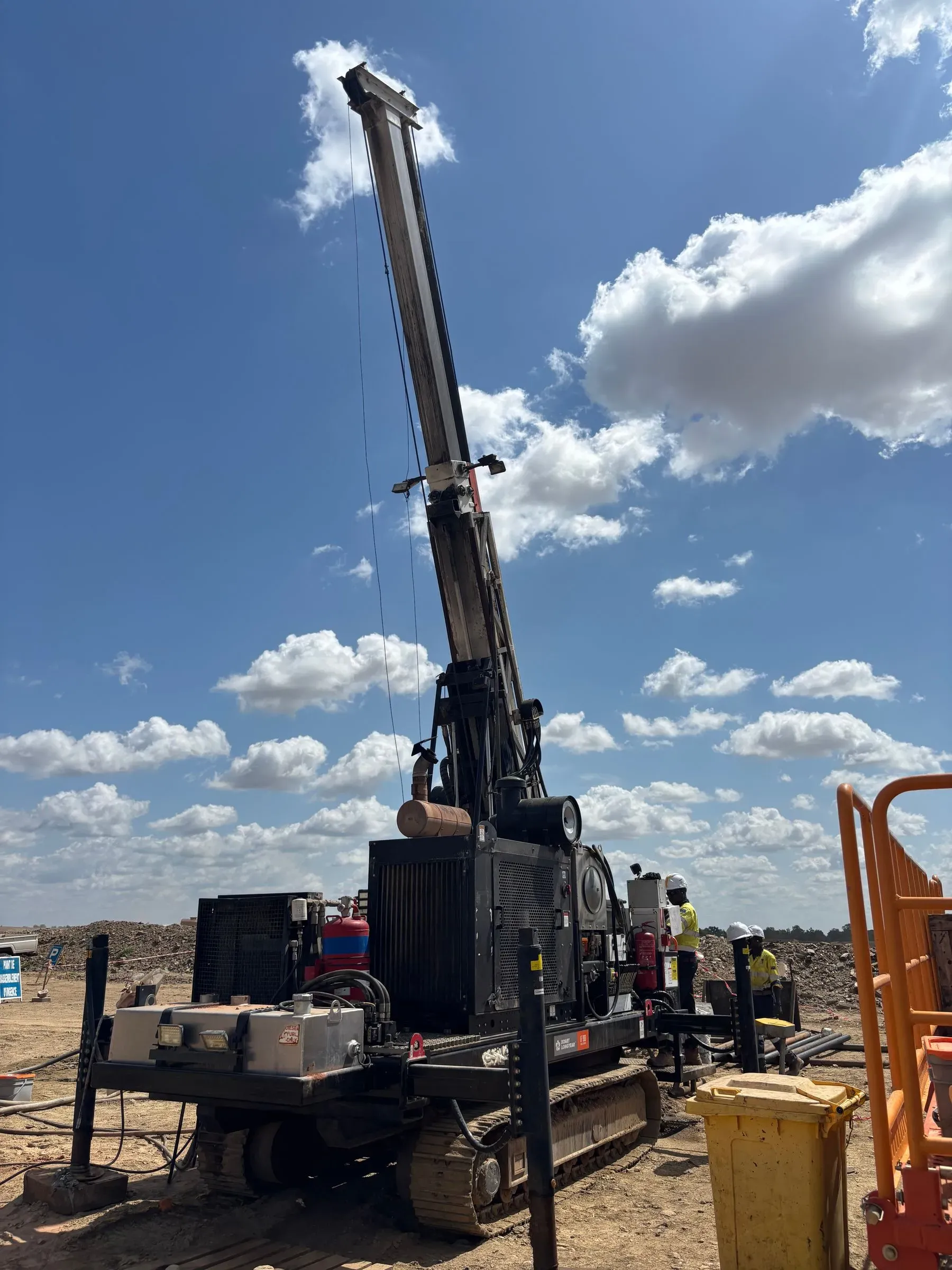
Drill Logs turns rig-deck activity into one operational record — programs, holes, shifts, bits, crews, consumables. Run your own rigs or bill a customer's. The meters you drill flow straight into Pit Info reconciliation.

Feeds Pit Info reconciliation

Diamond + RC · PQ3 to NQ2 · offline tablet · iOS + Android

Built by Minebright Inc. — Toronto

app.drilllogs.com Sample
0 20 40 60 m / SHIFT 01D 01N 02D 02N 03D 03N 04D 04N 05D 05N 06D 06N 07D 07N PLAN 48 63
Meters drilled per shift — last 14 · sample

Trusted by mining & drilling teams

Robex Resources
West African Resources
Evolution Mining
Northparkes
Orezone Gold
Tietto Minerals
Zhaojin Mining
CEMI
MICA
MSA Labs
Capital Drilling
Triple Flag

The status quo

The PLOD got scanned. The Excel got out of sync. The invoice got disputed.

Drilling teams already know where the meters went — the meters are written down. They're written down on three different surfaces, by four different people, in two different time zones. That's the problem we're built to fix.

RIG-7 · NIGHT SHIFT ✓ Shift complete Gap 0:42
  • Drilling 22:00–01:12 3.2 h
  • Surveying 01:12–01:42 0.5 h
  • Bit change 01:42–02:00 0.3 h
  • Tripping 02:00–02:42 0.7 h
  • 142.0 → 148.5 m · NQ-DIA-001 · B-Shift
Rig-deck · Android Offline

Sample Log the whole shift on the rig deck — gloved, offline, in seconds

What sets it apart

Built for drilling — not bent into shape.

The comparison every buyer is already running in their head.

Capability Drill Logs Generic PM tool Paper / Excel
Drill hole as first-class data
Bill on meters actually drilled manual
Offline on the rig deck
Feeds Pit Info reconciliation
Native EN / FR, drilling vocabulary partial
Running real shifts in week one 8–10 wk

Capability comparison · illustrative

The capabilities

Every part of the operation, in one place.

Plan the program

Built on the way drilling actually works

Locations, projects, drilling programs, drill holes, shifts. Surveys with azimuth, inclination, and depth — the actual instrument shots, not a free-text field. Drilling methods and core sizes as first-class data, not tags.

  • Hierarchy: Location → Project → Program → Drill Hole → Shift
  • Surveys: depth, azimuth, inclination — real hole deviation, not a text field
  • Diamond + RC, every core size: PQ3, HQ3, NQ2, RC, Air Core, RAB
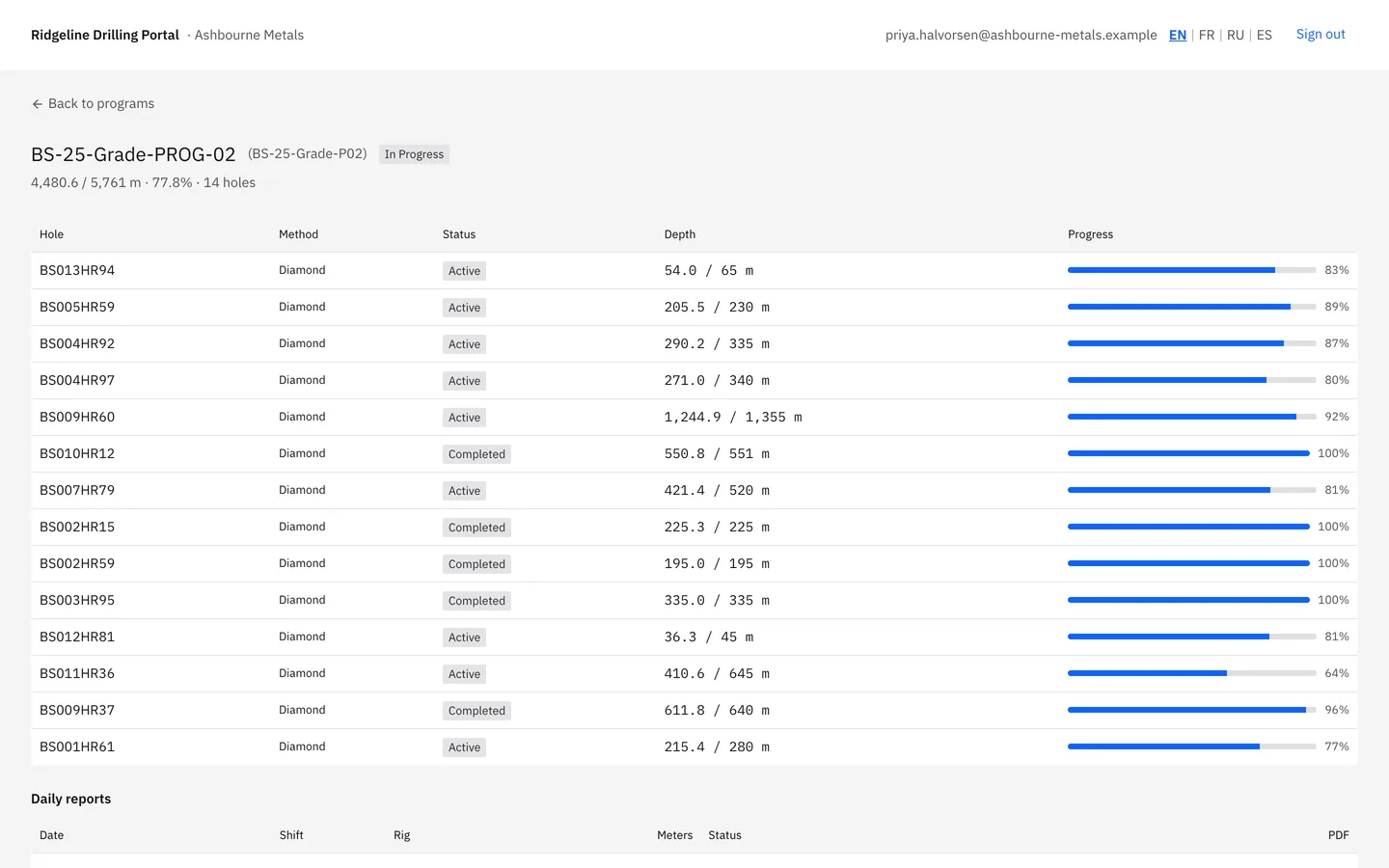
Drilling Operations Management page listing locations (mine sites and exploration areas) with project and drill-hole counts; rolled up across the whole operation.
Run the shift

Run the shift the way the shift runs

Day, night, and afternoon shifts assigned to a rig. Crews as reusable templates, not retyped names. Drill bit and reamer changes captured at depth, with reason and the next bit's serial. Real-time rig status.

  • Day / night / afternoon shifts, tied to a rig with crew and activities
  • Crews as templates — assign a four-person crew in one click
  • Bit + reamer changes captured at depth, with reason and next serial
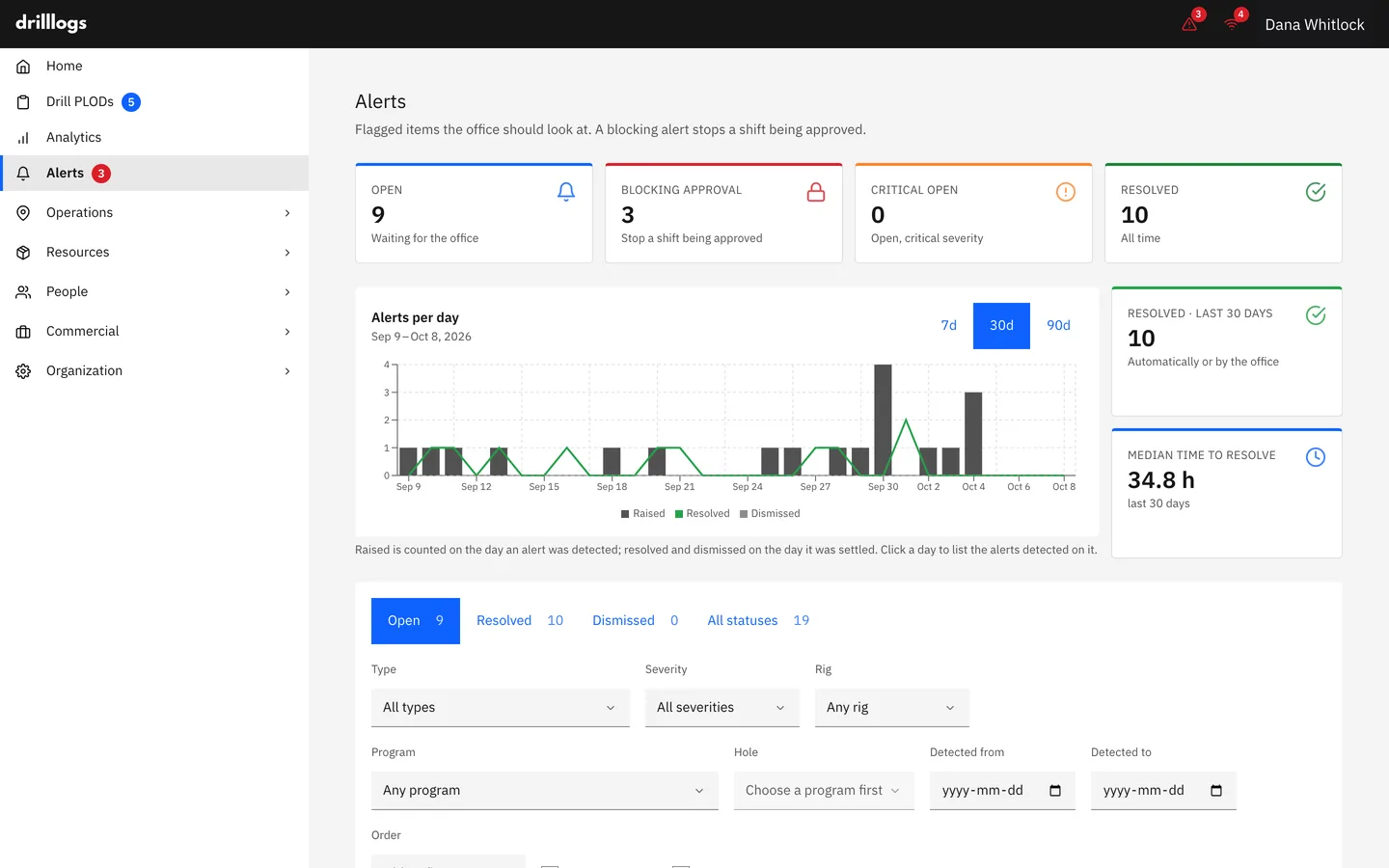
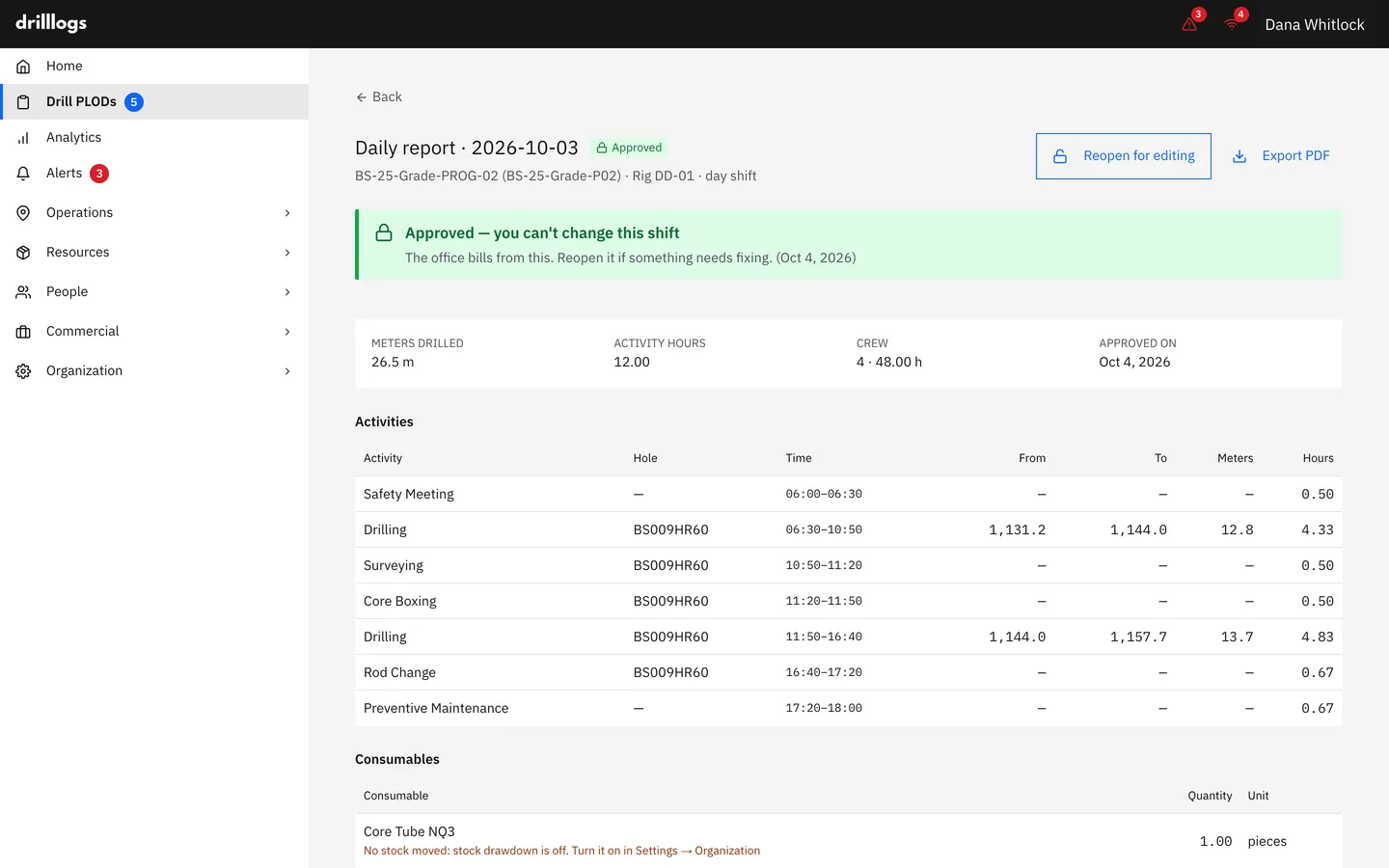
Drill PLOD entries page with daily meters-drilled bar chart, twelve-week drilling-consistency heatmap, filter row by program and rig, and a shift list expanded to show crew, drill holes, and activities.
Track the inventory

Inventory that knows the difference

A drill bit isn't a consumable. A reamer isn't a vehicle. Drill Logs tracks each by type, with location-aware stock, depth-tracked usage, and minimum-stock alerts before the rig runs dry.

  • Bits, reamers, consumables, vehicles — the right fields for each
  • Stock by location — every camp and mine site has its own ledger
  • Consumables tied to the shift that burned them
Tool inventory page with KPI tiles for total tools, in-use, available, total meters, and average tool life — plus a searchable, filterable table of drill bits with item code, name, type, status, size, and per-tool usage.

Program scheduling

Plan versus actual, hole by hole.

Run the drill program as a live schedule — every hole planned on the timeline, every actual completion tracked against it. See what's ahead, what's behind, and what's left to target, without rebuilding a Gantt in a spreadsheet every Monday.

Planned Actual
app.drilllogs.com/program Sample
W2 W4 W6 W8 W10 DDH-001 DDH-002 DDH-003 DDH-004 DDH-005 DDH-006 TODAY
Drill program — planned vs actual · sample

Fleet & consumables

Every rig, bit, and barrel — to the metre and the dollar.

Track rigs, drill bits, reamers, and consumables by usage, life, and running cost. Bit lifecycle from purchase to retirement, consumables tied to the shift that burned them, and minimum-stock alerts before the camp runs dry.

app.drilllogs.com/inventory Sample
12,480 m
Fleet, this month
314 m
Avg bit life
$9.4k
Consumables spend

Drill bits — life used / metres / cost

  • NQ-DIA-001 238 m $1,150
  • NQ-DIA-002 181 m $1,150
  • HQ-DIA-007 Retire soon 412 m $1,480
  • NQ-DIA-014 74 m $1,150
Fleet & consumables — usage, life, and cost · sample

The closed loop

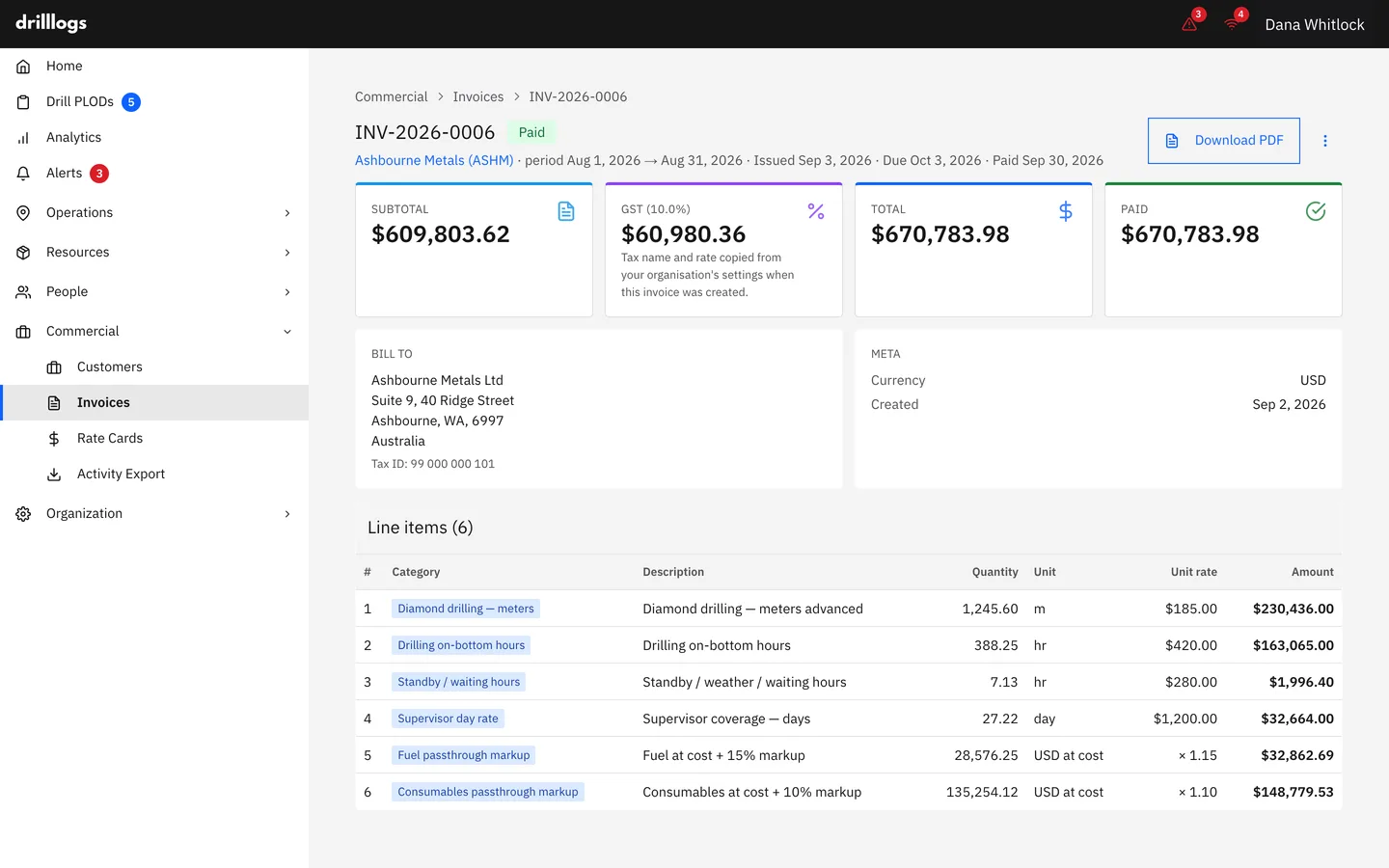
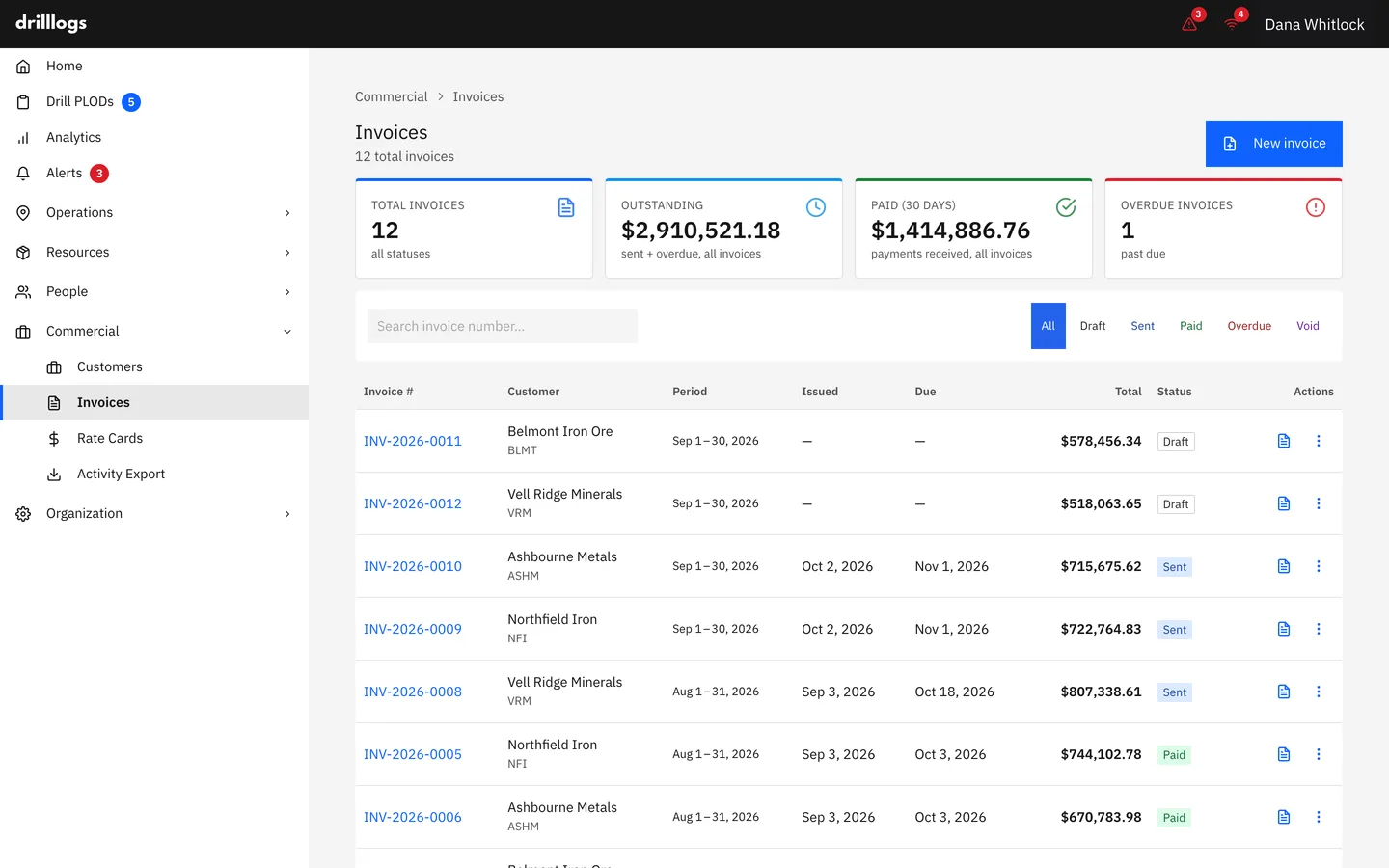
From quote to invoice, on the meters you drilled.

app.drilllogs.com/billing Sample
01 Quote Customer + scope Program #4471
02 Schedule Crews + rigs RIG-7 · B-Shift
03 Execute Shifts + depth 238 m drilled
04 Invoice Meters drilled $27,370

Every meter on the invoice ties back to a shift, the shift to a hole, the hole to a quoted program. No reconstructing from email threads.

Part of the Minebright platform

The meter doesn't stop at the invoice.

Every meter you capture in Drill Logs flows into Pit Info — Minebright's mine-to-mill reconciliation. The drill record and the reconciliation run on the same numbers. No re-keying, no second source of truth.

Drill Logs Captures the meter — program, hole, shift, bit, depth, survey.
Pit Info Reconciles drilled meters mine-to-mill — grade, tonnes, plan versus actual.

Signed shift data moves across automatically. One record, both products.

The tablet app

Built for the rig deck. Not the boardroom.

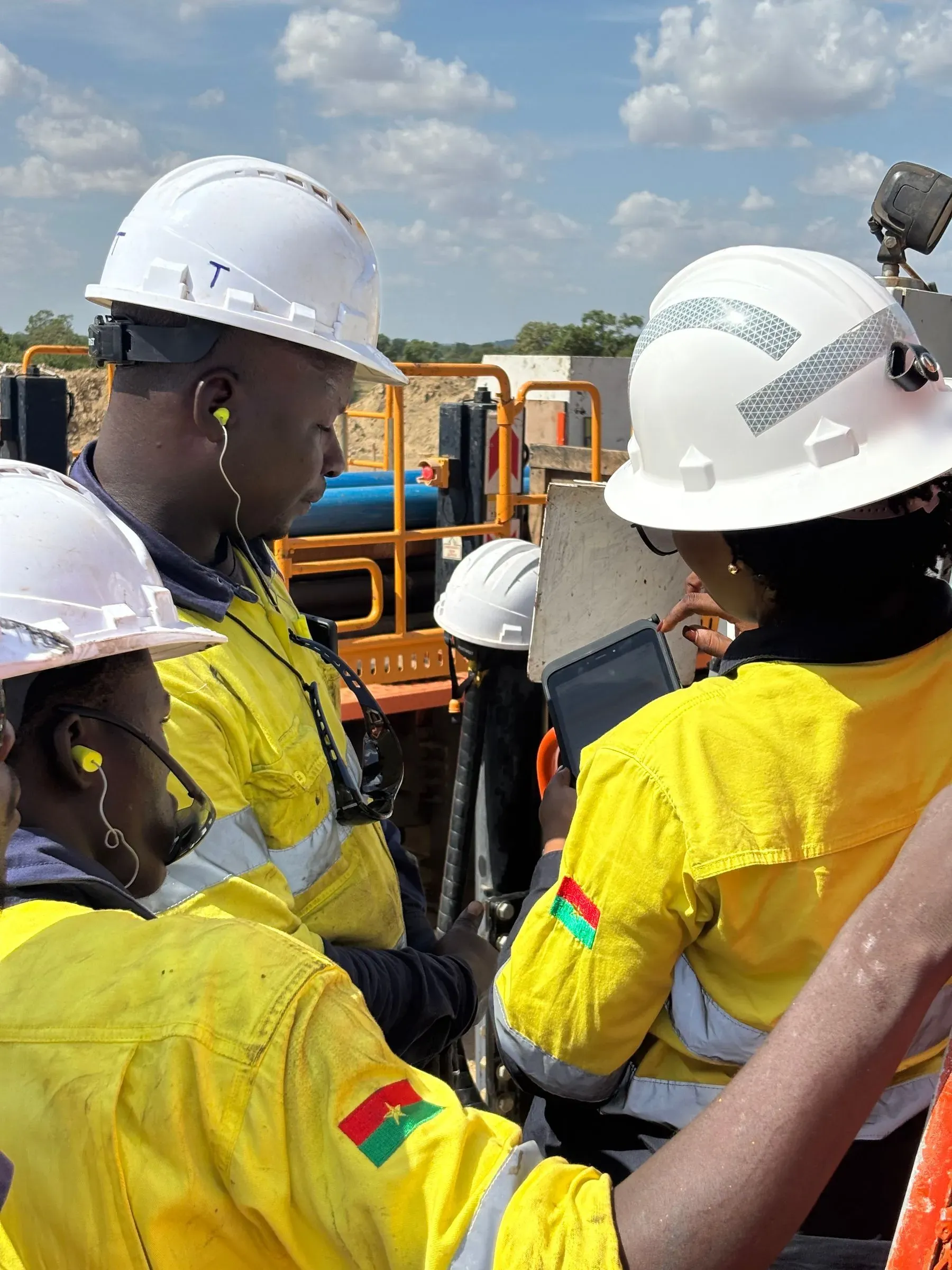
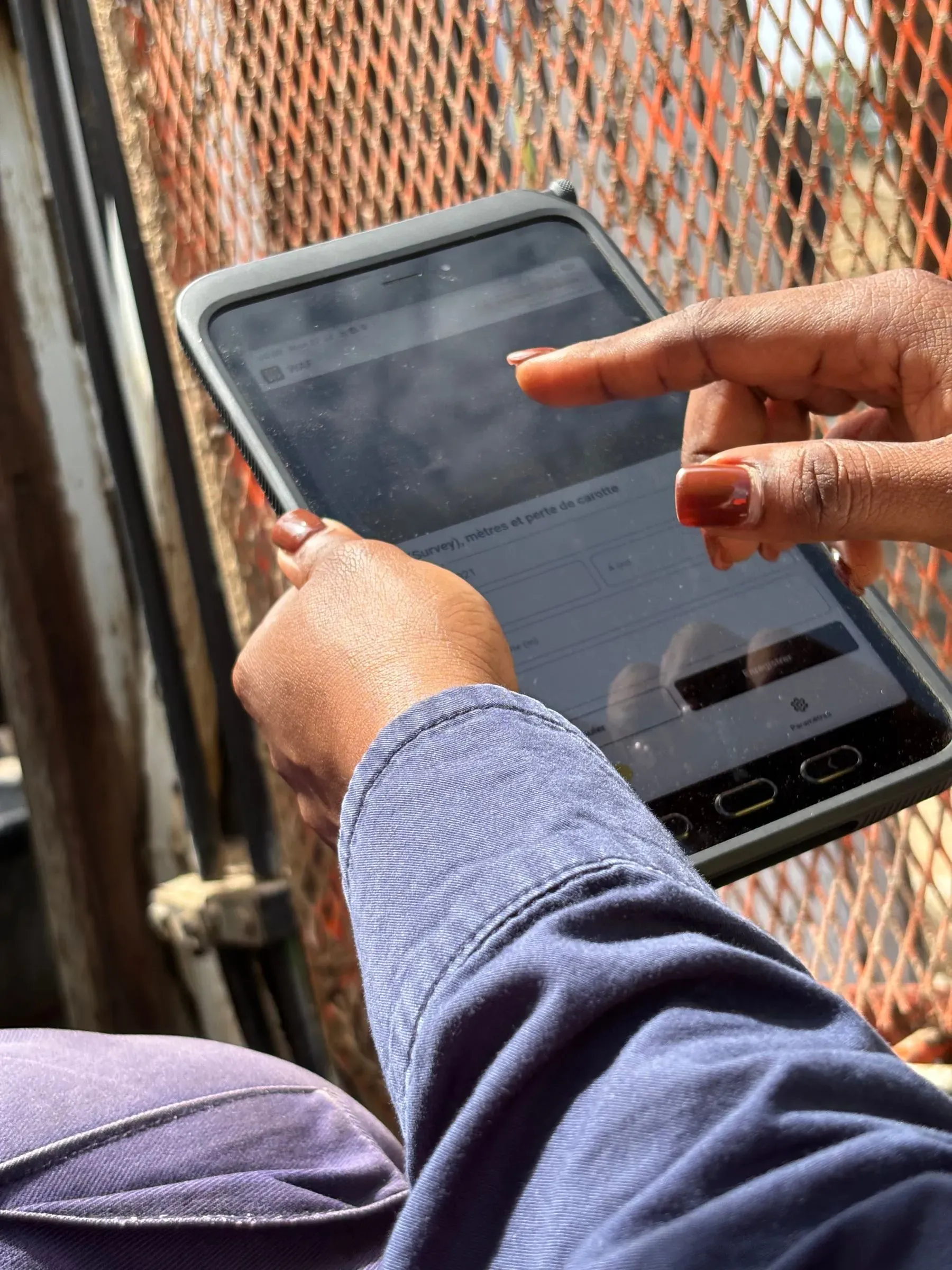
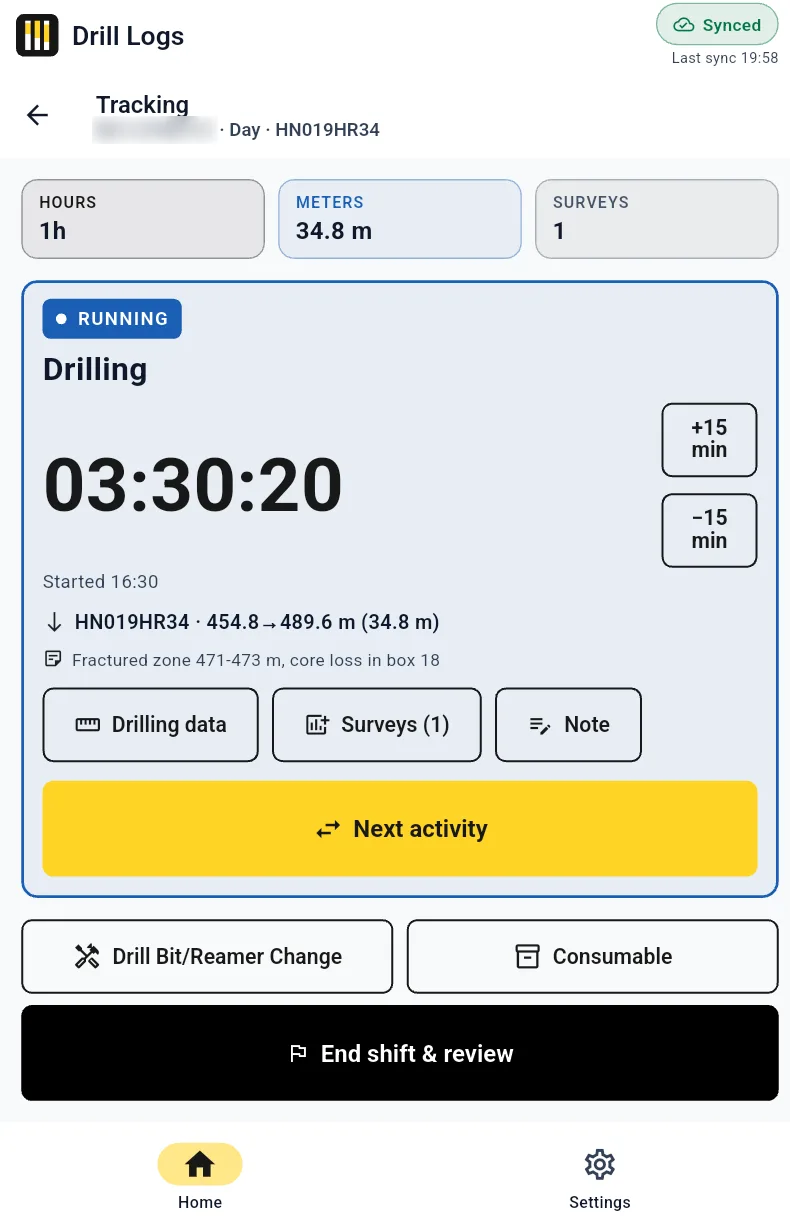
The field app the crew runs the shift on — gloved hands, no signal, sub-zero or 40°C. Native iOS and Android tablets. Full offline mode. Syncs the moment the rig is back in coverage.

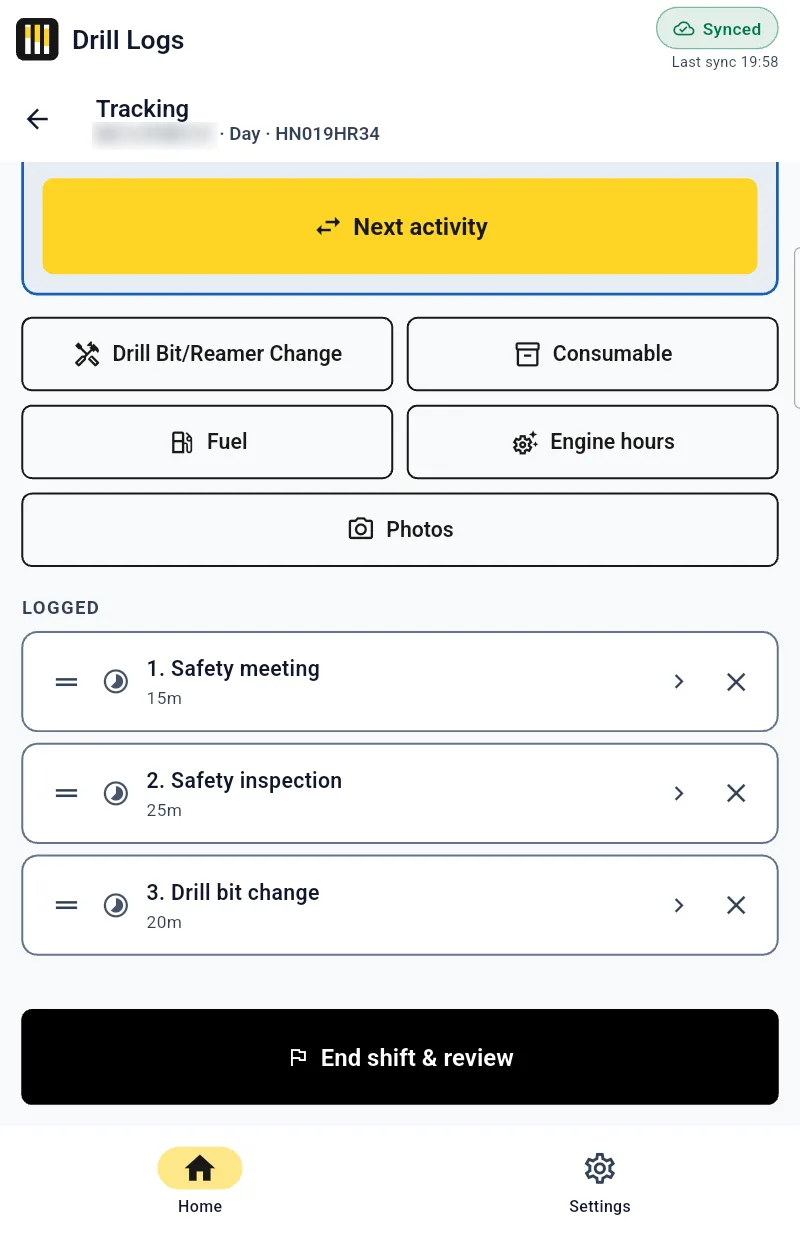
Drill Logs tablet — activity timeline showing a 7h 21m gap flagged with an amber Unaccounted time warning, totals row, and shift elapsed 19:52:05.
Rig-deck · Android Offline
Live activity timeline. The app catches gaps before the shift is submitted — not the next morning.
  • Works fully offline, syncs on its own.

    Every shift, every activity, every consumable, every bit swap — captured on the device and synced automatically the moment the rig hits coverage.

  • Live activity & consumable tracking.

    The timeline shows what's logged and what's missing in real time. Gaps surface before the shift is submitted — not the next morning.

  • Adjust any value with a tap.

    Reading wrong? Time off? Bit life mis-counted? Tap a number, change it, move on. Nothing is locked behind a back-office ticket.

  • iOS and Android tablets.

    Same app, both platforms. Bring your own device or roll out a fleet — Drill Logs runs equally well on either.

More of the tablet app

  • Sessions list filtered by Active, Draft, and Submitted shifts on RIG-7 with current depth, drilled meters, elapsed time, and shift productivity.
    Rig-deck · Android Offline

    Sessions

    Pick up where you left off

  • End-of-shift review with consumables, training entries, and a submit checklist confirming readings and surveys before submission.
    Rig-deck · Android Offline

    End-of-shift review

    Submit only when complete

iOS and Android — request access on a demo call.

See it catch a gap before the shift is even submitted.

30 minutes, on your real drilling program. We set you up with access after the call.

Book a demo

Industries

Built for the trades that actually drill.

Mining

Production drilling, grade control, and blast-hole work — RC and rotary methods, daily-meter rollups across the fleet, real-time rig status the dispatcher can trust.

RC · rotary · blast-hole

Exploration

Diamond core programs from PQ3 through NQ2. Hole surveys with azimuth, inclination, and depth. Core recovery, core loss, and bit life tracked at the meter — junior explorers and mid-tier producers, same record.

PQ3 → NQ2 · core recovery

Construction drilling

Geotechnical and water-well crews use Drill Logs for shift records, crew tracking, and consumables. Construction-specific borehole logging is on the roadmap; talk to us about your workflow.

geotech · water-well

FAQ

Questions drilling teams actually ask.

How does the mobile app work without internet?

Drillers, helpers, and supervisors log shifts, bit changes, consumable usage, and tool changes directly on the device. The app stores everything locally. When the rig comes back into coverage — camp Wi-Fi, cellular, or starlink — the app syncs automatically and the office dashboard updates in real time. Nothing gets lost. Nothing waits for a Monday-morning re-key.

Do I need to be a drilling contractor to use it?

No. About half our users are in-house drilling teams at mining companies — running production or exploration rigs for their own operation. They use the operations record, crew and rig tracking, inventory, and reporting. They don't use the customer management or invoicing modules.

What about my existing PLOD process — do I have to start over?

No. Your existing PLOD fields map onto the shift record almost one-to-one: depth, activity, bit, reason, crew, hours, consumables, sign-off. The mobile app is laid out the way a paper PLOD reads, on purpose. Crews who can fill a paper PLOD can fill a Drill Logs shift. Most teams are running real shifts in the app inside the first week.

Can I import data from Excel or our current tool?

Yes. CSV import is built in for drilling programs and drill holes — common starting points when you're switching from a workbook. For larger migrations from another platform, we'll do the mapping with you on a working call.

Which drilling methods do you support?

Diamond and RC, with all the standard core sizes: PQ3, PQWL, HQ3, HQWL, NQ3, NQ2, NQ Coring. Plus RC Drilling, Air Core, RAB, Auger, and Casing Ops. Drilling method and core size are first-class fields on the drill hole, not free-text tags — so reports filter properly and bit life is tracked per method.

How long is onboarding?

Most teams run their first real shift within the first week. Setup starts on a 30-minute call so we can match the configuration to how you actually run the rig — locations, programs, rigs, crews, activity types, inventory. Typical guided setup is five to ten working days. We don't quote eight to ten weeks.

Where is data stored, and who owns it?

Your data is yours. Drill Logs runs on managed infrastructure with daily backups; you can export your full record at any time, in CSV or JSON, with no gates. We don't sell or share customer data. Enterprise customers can request specific data residency (Canada, EU, Australia).

Do you support multiple languages?

English and French at launch — the app, the documentation, and the support team are bilingual. French is fully native, not machine-translated, with proper drilling vocabulary (sondage, foration, programme de forage). Spanish is on the roadmap for Latin American markets if traction follows.

How do I migrate from paper PLODs?

Most teams cut over one rig at a time. Print one last paper PLOD as a backup, run the next shift in the app, compare the two at end-of-shift. After three or four shifts the paper stops getting filled in — because the digital record is already done. We'll help you plan the cut-over on the demo call.

  • No 8-to-10-week rollout
  • Full offline — syncs on its own
  • Export anytime, in CSV or JSON, no gates

The record of every meter.

Stop reconstructing shifts after the fact.

See Drill Logs running on a real drilling program, on real data, on a real rig. 30 minutes. We'll set you up with access after the call.

Used only to schedule your demo. No newsletter, no resale.